
Repairs & Upgrades
Repairs and upgrades for the computer you have.
Troubleshooting, repairs, upgrades, cooling, Windows or Linux installs and data migration. Tell us what's going on and we'll tell you what we think, plainly.
In-person service in Central Florida. Not in Central Florida, or just want a quick look? We also offer remote troubleshooting.
Fix it, speed it up, set it up.
Laptops: software, setup and remote troubleshooting only. We don't do laptop hardware repairs.
- SVC-01
Troubleshooting
Won't turn on, won't boot, crashes, strange noises or errors. We find out what's wrong first.
- SVC-02
Repairs
Replacing failed parts in desktop computers: power supplies, drives, fans, memory, motherboards and more.
- SVC-03
Upgrades
Desktop upgrades: more memory, a faster SSD, a new graphics card. Get more life out of the computer you have.
- SVC-04
Cooling & cleaning
Overheating, loud fans, dust build-up, old thermal paste.
- SVC-05
Windows & Linux installs
Fresh installs, setup and updates, so it's ready to use.
- SVC-06
Data migration
Moving your files and settings from an old computer to a new one.
Not nearby? Try remote troubleshooting.
Not in Central Florida, or just want a quick look? We also offer remote troubleshooting. With your permission, we connect to your computer over the internet to diagnose software and setup problems.
- Good forSoftware, Windows or Linux setup, updates, error messages and slowdowns.
- Not forHardware repairs and upgrades. Those happen in person in Central Florida.
- AvailabilityBy appointment. We go over how a session works when you book.
Pick “Remote troubleshooting” on the form below.
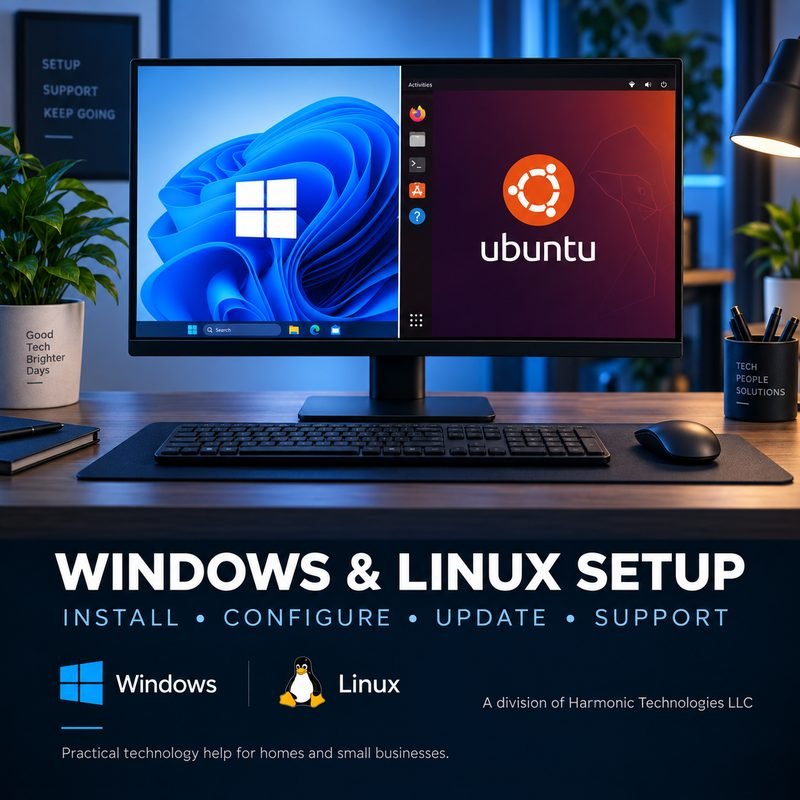
Installed, set up, updated.
A clean install, drivers and updates, and the basics set up so it's ready to use. Moving to a new computer? We can bring your files across.
Windows licensing: bring your own, or we can supply one.
Before you bring it in.
- Back up firstIf the computer still works, back up anything you can't lose before any repair or install.
- TermsWe give you a repair authorization with the details before work starts.
Repairs, answered.
Do you supply Windows?
Do you do laptops?
What's going on with it?
About two minutes. No account, no obligation.
Prefer email? service@